
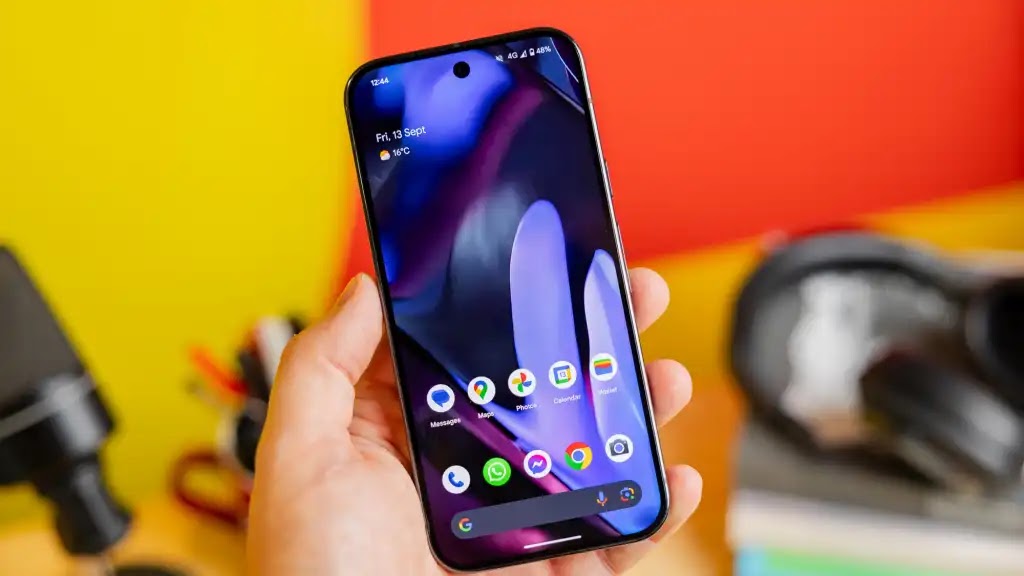
Before Android 16 arrived, leaks and beta builds pointed to a surprisingly broad mix of visual changes, camera improvements, new notification behavior, professional video features, Bluetooth upgrades, and desktop-style multitasking.
Those features no longer have to be judged as rumors. Google released Android 16 on June 10, 2025, initially for supported Pixel devices, and continued adding major Android 16 features through later platform and Pixel updates.
Looking back, several of the most interesting rumors were accurate, but there are important qualifications. Some were developer APIs rather than buttons that immediately appeared in the Pixel Camera app, some required compatible hardware or third-party app support, and others arrived after the first stable Android 16 build.
| Rumored feature | What actually happened |
|---|---|
| App drawer blur | Arrived as part of the later Material 3 Expressive Pixel redesign rather than the initial Android 16 release. |
| Hybrid auto exposure | Confirmed as an Android 16 Camera2 capability. |
| Real-time updates | Confirmed through progress-centric notifications and Live Updates, with app support required. |
| APV codec support | Confirmed in Android 16 for professional-grade video workflows. |
| Auracast | Expanded across compatible Android hardware, including supported Pixel devices, but remains hardware-dependent. |
| Desktop windowing | Confirmed, initially focused on large-screen devices before Android's connected-display experience expanded further. |
1. App drawer blur became part of Pixel's larger visual redesign
The original rumor suggested that Google would replace the Pixel Launcher's relatively plain app drawer background with a translucent blur effect.
That did not arrive as a headline feature of the first stable Android 16 release. Instead, Google used Android 16 as the foundation for Material 3 Expressive, a much broader redesign involving animations, dynamic colors, typography, system surfaces, and background blur effects.
Google then began rolling the Material 3 Expressive interface out to Pixel 6 and newer phones in September 2025. The Pixel launcher redesign included the kind of layered, translucent appearance the earlier rumor had predicted, and later Android 16 builds even added an accessibility option to reduce blur effects.
The important distinction is that app-drawer blur was part of Google's Pixel interface rather than a universal Android 16 requirement. Samsung, Xiaomi, OnePlus, and other manufacturers remain free to design their launchers differently.
2. Hybrid auto exposure was real, but it is primarily a camera API
This was one of the rumors that Android 16 confirmed very clearly.
According to Google's Android 16 developer documentation, Camera2 gained hybrid auto-exposure modes. Instead of forcing a camera app to choose between completely automatic exposure and completely manual exposure, Android 16 allows supported apps to combine manual control with the auto-exposure algorithm.
For example, a camera app can let the photographer set ISO while Android automatically determines the appropriate exposure time, or let the photographer choose the exposure time while automatic exposure handles the remaining parameters.
That can be useful in situations where a photographer wants to limit image noise with a specific ISO value or deliberately select a shutter speed to freeze or blur motion without manually managing every exposure variable.
Android 16 also introduced related camera improvements, including more precise color-temperature and tint controls, a night-mode scene indicator, new motion-photo capture actions, and Ultra HDR support in HEIC images.
There is an important caveat: these are platform capabilities exposed to developers. Installing Android 16 does not guarantee that every phone's built-in camera app will immediately provide a new hybrid-exposure control. Actual availability depends on the camera application, device hardware, and manufacturer implementation.
3. Real-time notifications evolved into Live Updates
The idea that Android would provide more prominent real-time information for rides, deliveries, and navigation was also accurate.
Android 16 introduced what Google initially documented as progress-centric notifications. The new Notification.ProgressStyle gives developers a structured way to represent an ongoing journey with progress, milestones, segments, estimated arrival information, and relevant actions.
Google's consumer-facing Android 16 announcement described the experience as Live Updates, initially highlighting compatible food-delivery and ride-sharing services.
The system can give qualifying notifications increased visibility on places such as the lock screen and notification shade. Google's current Live Updates documentation also describes promoted updates appearing as compact status chips so users can monitor important information without repeatedly opening the originating app.
That makes the feature somewhat comparable in purpose to other platforms' persistent live-status interfaces, but it is not automatic for every application. Developers have to implement the appropriate notification behavior, and Android applies rules governing which notifications qualify for promotion.
4. Android 16 officially added the APV professional video codec
Support for Advanced Professional Video, or APV, was another confirmed Android 16 feature.
APV is intended for high-quality recording, editing, and post-production rather than ordinary highly compressed video sharing. Google's Android 16 documentation describes it as providing perceptually lossless quality close to raw video, rather than literally promising mathematically lossless footage in every use case.
Among the format's notable capabilities are intra-frame-only coding designed to simplify editing, high-bitrate 2K, 4K, and 8K workflows, frame tiling for parallel encoding and decoding, multiple chroma-sampling and bit-depth configurations, HDR metadata, and support for repeated decoding and re-encoding with limited quality degradation.
Android 16 specifically added support for the APV 422-10 Profile, which uses 4:2:2 chroma sampling and 10-bit encoding, with Google's implementation targeting bitrates of up to 2 Gbps.
Those numbers also explain why APV should not be confused with a replacement for the highly compressed formats normally used for social media or casual phone recording. Professional-quality APV files can require substantial storage and processing resources.
As with the new camera APIs, platform support does not mean every Android 16 phone automatically records APV video. Hardware codecs, camera applications, editing software, and device manufacturers all influence what users can actually do with the format.
5. Auracast support expanded, but compatibility matters
The Auracast prediction also proved broadly correct, although the history is more complicated than simply saying Android 16 introduced Bluetooth LE Audio.
Android had already gained built-in Bluetooth LE Audio support in Android 13. Auracast builds on LE Audio's broadcast capabilities, allowing compatible headphones or hearing devices to receive an audio broadcast rather than relying exclusively on a traditional one-to-one Bluetooth connection.
In March 2025, Google announced expanded Auracast support for hearing aids. At the time, Google specifically cited compatible Samsung Galaxy devices using One UI 7 and Android 15, along with Pixel 9 devices running the Android 16 beta.
Google subsequently expanded LE Audio Auracast support to more devices, including compatible Pixel phones and additional headphones.
The practical use cases remain compelling. A compatible venue could broadcast audio that users receive through their own hearing aids or headphones, potentially making announcements, televisions, tours, presentations, or other public audio easier to hear. Android devices can also use LE Audio broadcasting for audio-sharing experiences.
However, Auracast is not something every Android 16 phone can use simply because it has Bluetooth. The phone, headphones or hearing aids, firmware, Bluetooth hardware, and manufacturer software all need the relevant LE Audio and broadcast capabilities.
6. Desktop windowing became a real Android feature
The prediction that Google would push Android closer to a conventional desktop environment was also correct, although Android 16's initial focus was broader than simply turning every Pixel phone into a Samsung DeX replacement.
At Android 16's launch, Google said it had worked closely with Samsung to develop desktop windowing for large-screen devices. The interface allows users to open multiple applications in separate windows, move them around the screen, and resize them much like programs on a desktop operating system.
Google also announced taskbar improvements, customizable keyboard shortcuts, and continued work on connecting Android phones and tablets to external displays.
The platform has since developed further. Google's current connected-display documentation describes phones launching a separate desktop session on an external display while the phone itself remains usable independently. Desktop-windowing-enabled tablets can extend their workspace across both displays.
That makes the concept substantially more powerful than basic screen mirroring. Apps can run in a large-screen desktop environment with movable windows, keyboard and mouse input, and multiple simultaneous tasks.
Compatibility still matters, however. External-display output, desktop-windowing support, manufacturer software, and app adaptability vary between devices. Android 16 created the platform foundation, but it did not instantly make every Android phone behave like a full desktop PC.
What the Android 16 rumors got right
In retrospect, this particular collection of Android 16 rumors was unusually close to Google's actual direction. Hybrid auto exposure, progress-focused notifications, APV support, Auracast expansion, and desktop windowing all became genuine parts of the Android 16 era.
The biggest correction concerns timing and scope. Android 16 was not one monolithic feature drop. Google released the first stable version in June 2025 and continued delivering important interface and platform changes afterward. Material 3 Expressive, including the more translucent Pixel interface, was a particularly visible example of a feature set that arrived later rather than with the initial release.
It is also worth distinguishing an Android platform capability from a feature every user can immediately see. Camera APIs need support from camera apps and hardware, APV needs appropriate media implementations, Live Updates need participating apps, Auracast requires compatible Bluetooth equipment, and desktop windowing depends heavily on the device form factor and manufacturer.
That distinction makes Android 16 more interesting than the original rumor list suggested: several of its most important changes were not simply cosmetic additions, but foundations that developers and device makers could build on long after the first stable update shipped.



0 Comments